Adjusting the Display of the Image or Web Page in the Unit
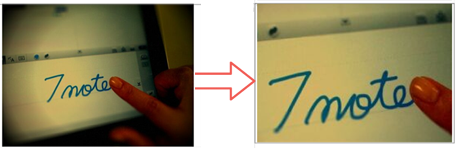
You can enlarge or reduce the size of the image in the image unit or the image of a Web page in the Web unit. You can also adjust the area of the image displayed in those units.
- On the editor screen, tap the image unit or Web unit twice to switch it to edit mode.
- You can pinch the image in the unit to enlarge or reduce it, or you can drag to adjust the area to be displayed in the unit.