
Changing the Title of a Document
Specify the title of a document by using 64 characters or less.
To change the title of the currently opened document
- On the editor screen, tap the top area where the title is displayed.
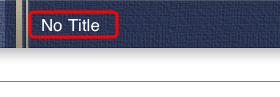
- Type the title and tap Done.
To change the title of a document on the document list screen
- On the document list screen, tap Manage.
- Tap the document you want to edit.
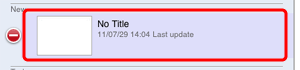
- Type the title and tap Done > Done.